It's Monday morning and someone on your team has to prepare the quarterly report for a client. They open ChatGPT, drag in the billing spreadsheet and type "summarize this in five bullet points". Two minutes later they have a draft.
They haven't done anything wrong on purpose. They've just done their job faster. But the spreadsheet, with client names, amounts and margins, is already sitting on a third party's server.
This happens every day in almost every company, and the usual reaction is the worst one possible: a ban. This article is about what to do instead so that your team uses AI without sending out confidential data.
Why banning ChatGPT doesn't work
In spring 2023, Samsung employees uploaded internal source code to ChatGPT. Samsung's response was to ban the use of generative AI tools on company devices.
It's an understandable reaction, and it almost never solves the problem. When you ban a tool that saves people hours of work, they don't stop using it. They stop using it where you can see it: they switch to their phone, their personal account, their laptop at home. That's shadow AI: the AI your company uses but doesn't control.
And the reason people use it doesn't go away with a ban. In a Wolters Kluwer Health survey of 518 hospital professionals, 45% of those who used unapproved AI tools said their main reason was a faster workflow. If there's no approved tool that does the same job, usage doesn't disappear: it goes underground.
So the useful question isn't "how do I stop them using ChatGPT?" but "how do I let them use it without the wrong things getting out?"
Six steps, in this order
Order matters. Each step builds on the one before it, and skipping the first ones makes the later ones useless.
1. Provide an approved tool
Before you write a single rule, decide which AI tool your team can use, and pay for it.
ChatGPT's business plans (Business and Enterprise) don't train on your organization's data by default, include a data processing agreement and give the company an admin console. Microsoft 365 Copilot, Claude and Gemini make the same commitment not to train on your data in their business versions, according to documentation from Microsoft, Anthropic and Google.
This doesn't stop data from leaving, but it changes the terms: it's no longer a transfer to a third party with no contract, but processing by a provider that has obligations to you.
And close the other door: if people keep logging in with their personal accounts, the business plan protects nothing. Turn on corporate single sign-on (SSO) and make it clear that work happens on the company account.
2. Write a short policy with examples
Nobody reads a twenty-page AI use policy. A one-page policy with examples from your own industry, people do read.
At a minimum, it should say:
- Which tools are approved and which account to use them with.
- What must never be pasted or uploaded: client data with names, ID numbers or bank details, payroll, health data, passwords and API keys, proprietary code, contracts and unpublished figures.
- What is fine: drafting, summarizing public texts, translating, editing for style, building templates with dummy data.
- What to do if someone slips up: who to tell and how quickly. If reporting gets you punished, nobody reports.
A practical way to present it is a traffic light: green (go ahead), amber (go ahead once you've removed identifying data) and red (never). Most real work falls into amber.
3. Configure the business account properly
Having a business plan isn't enough: you need to check what it allows. The three things most often overlooked:
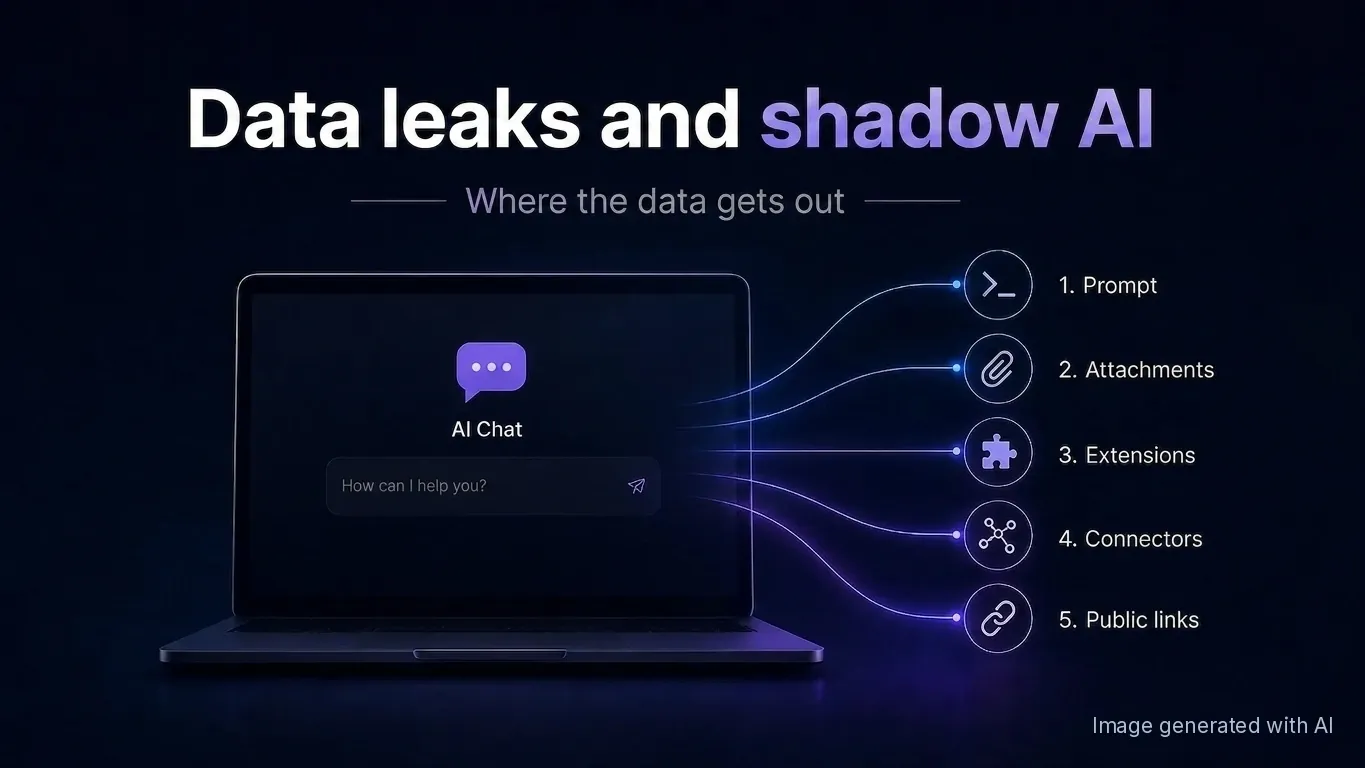
- Shared links. A conversation shared by link can end up accessible from outside. It already happened with Claude conversations that turned up in Google. In ChatGPT Enterprise, admins can turn off shared links for the whole company. If your plan doesn't allow that, spell it out in the policy.
- Connectors. Connecting ChatGPT to Drive, SharePoint or email gives it access to everything those permissions can see. Admins decide which ones can be used: only turn on the ones you need.
- Retention. If your plan allows it, set how long conversations are kept. And remember that deleting a chat doesn't always delete it completely.
4. Train with real cases, not a PDF
Training that works lasts half an hour and uses cases your team recognizes: the billing spreadsheet, the contract that needs summarizing, the email from an angry client.
The most useful thing you can teach is one simple idea: AI almost never needs the real data to do its job well. To draft a reply to a complaint, it needs to know there's a customer, an order and a delay. It doesn't need her name or her account number. Just replace them with [CUSTOMER] or [ORDER] before sending and put them back afterwards.
And remember that the problem is rarely the text people type. It's the attachment they drag in: the 80-page PDF or the spreadsheet with fourteen tabs.
5. Add a technical control before data is sent
The four previous steps have one thing in common: they depend on every person remembering, every time, in every conversation. They work well with people who are paying attention, and they fail on a Friday at seven in the evening.
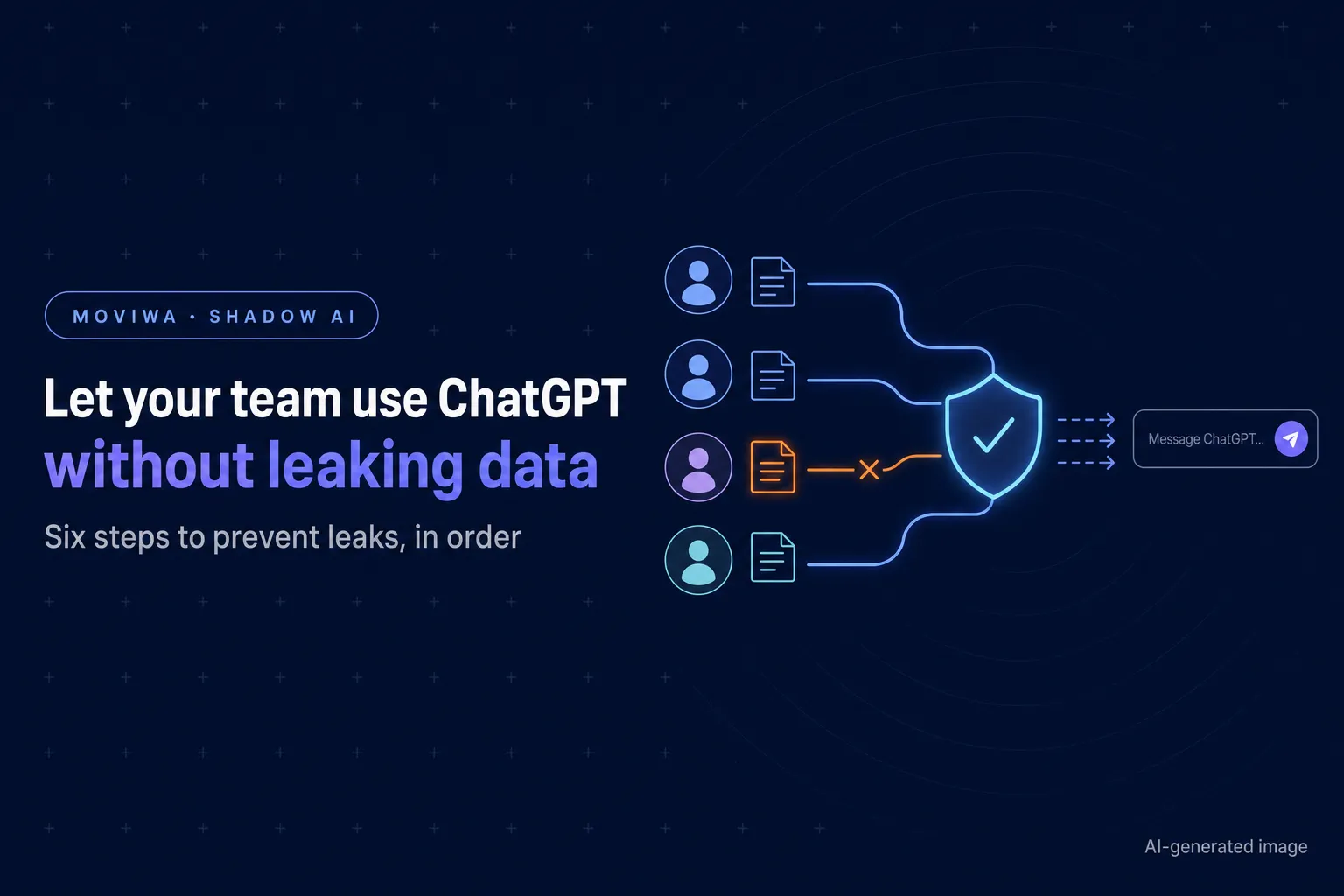
That's why you need a layer that doesn't depend on anyone's memory: a control that checks what is sent to the AI before it leaves, in the browser, at the moment someone clicks "Send". If it detects confidential data, it warns the person and offers to remove it or cancel the send.
This is what turns the policy into something that actually gets followed. Without that control, an AI use policy is just a statement of intent (article in Spanish).
6. Measure
If you don't know how many times someone tries to send confidential data to an AI tool, you don't know whether the five previous steps are working.
You don't need to watch anyone or read conversations. Aggregate data is enough: how much sensitive data was detected this month, of what type and in which tools. With that, you know where to reinforce training, whether the policy is understood and whether the approved tool is actually being used.
That same data is the evidence you'll be asked for in a GDPR, ISO 27001 or ISO 42001 audit.
Three common mistakes
- Starting with a ban. Without an approved alternative, a ban just moves the usage somewhere else.
- Thinking the business plan solves everything. It protects what goes through the corporate account. Whatever goes through someone's personal account is still outside your control.
- Leaving it all to the individual. Training is necessary, but nobody gets it right one hundred percent of the time. A system that depends on nobody ever making a mistake will eventually fail.
A plan for the next 30 days
- Week 1. Ask your team, without judging, which AI tools they use and what for. The answer will surprise you.
- Week 2. Choose the approved tool, set up access through the company account and review the configuration: shared links, connectors and retention.
- Week 3. Publish the one-page policy with the traffic light and run the half-hour training session with real cases.
- Week 4. Put the pre-send control in place and start measuring. By the end of the month you'll have your first real exposure figure.
Where Moviwa fits
Moviwa is the control behind steps 5 and 6. When someone on your team clicks "Send" in ChatGPT, Claude or Gemini, Moviwa analyzes the text and attachments in milliseconds. If it detects confidential data, it offers to replace it with reversible tokens prefixed TK_, or to cancel the send.
The AI works with the full context; the name, the ID number and the bank account stay inside. When the response comes back, the tokens are restored and the person sees the text with their real data.
- It covers the attachment, not just the text. PDFs, spreadsheets, source code, images and screenshots.
- It gives you the evidence. The dashboard classifies what it detects by risk level, and the audit log is ready to show a client or an auditor.
- It doesn't monitor anyone. It doesn't record conversations or track what each person does. It only acts when it detects sensitive data about to leave, and the final decision belongs to the person sending.
In short
Stopping your team from leaking confidential data into ChatGPT isn't about banning AI. It's about giving them an approved tool, explaining with examples what must not get out, configuring the account properly, training them with real cases and adding a control that steps in when memory fails.
The first four steps reduce the risk. The fifth makes sure they're followed. The sixth tells you whether it's working.
Moviwa is Montevive.AI's product for controlling data in the use of AI tools. More at moviwa.ai · Published 3 November 2026.
Sources
All accessed 3 November 2026.
- Bloomberg, Samsung Bans Staff's AI Use After Spotting ChatGPT Data Leak (2 May 2023): the Samsung case.
- Wolters Kluwer Health, Shadow AI: providers are using unapproved tools to improve workflow (22 January 2026): survey of 518 hospital professionals on unapproved AI use and the reasons behind it. Also covered by Healthcare Dive.
- OpenAI, Business data privacy, security, and compliance: no training by default, data processing addendum (DPA), SSO and retention controls on business plans.
- OpenAI, ChatGPT Enterprise shared links FAQ: shared link controls in Enterprise.
- Microsoft, Data, privacy, and security for Microsoft 365 Copilot: prompts, responses and Microsoft Graph data aren't used to train the models.
- Anthropic, Is my data used for model training?: policy for Claude for Work and the API.
- Google, Generative AI in Google Workspace Privacy Hub: Workspace content isn't used to train models outside your domain without permission.
Earlier articles
- Shadow AI: five ways your data leaves, and only one has a culprit: the five exit routes, including the attachment.
- «Ya tenemos una política de uso de IA» (in Spanish): why a policy needs a technical control.
- "Delete chat" doesn't delete much: what providers actually keep.
- Nobody hacked anything... but information still leaked: shared links indexed by search engines.
Try the technology: you can see how Moviwa detects sensitive data right now, with no signup, using our free anonymizer. It runs in your browser and no data leaves your machine.
Protect your whole team. Book a demo of about 30 minutes: we'll show you Moviwa with your own use case and how to roll it out to your team.
This article reflects AI providers' features and policies as of 3 November 2026. Plan names and settings may change: always check the official documentation before making decisions. It is for information only and does not constitute legal advice.