Your company has DLP. It blocks USB drives, scans email attachments and raises an alert if someone uploads a client spreadsheet to a personal Dropbox. You installed it, configured it and passed your audit with it.
One Tuesday afternoon, someone on your team copies twenty rows from that same spreadsheet, pastes them into ChatGPT and types "group these clients by revenue". The DLP says nothing.
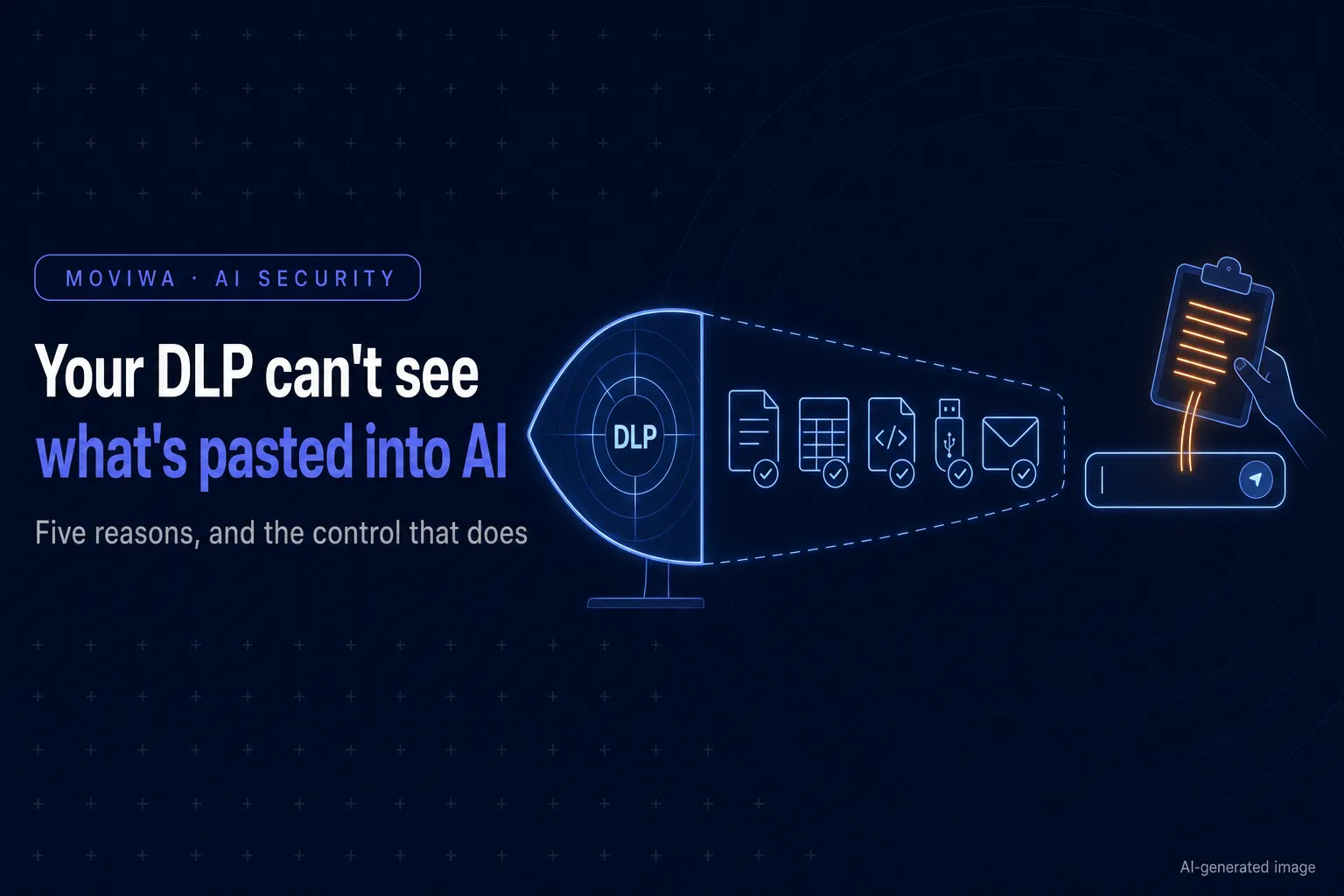
It isn't a configuration mistake. DLP was never designed to see what gets pasted into an AI chat. This article explains why, and which control does see it.
What DLP watches
DLP (data loss prevention) is a set of rules that detects sensitive data when it leaves through a known channel. The classic channels are three:
- Files: what gets copied to a USB drive, uploaded to a website or printed.
- Email: attachments and message bodies leaving the company.
- Network: traffic to unauthorised destinations.
It works well for what it was built to watch. The problem is that an AI chat doesn't quite fit any of the three.
Five reasons it can't see it
1. Pasting isn't sending a file
When someone drags a PDF into ChatGPT, there's a file and the DLP has something to inspect. When they copy the contents of that PDF and paste them into the text box, there's no file: just text in a field on a web page.
And pasting is the norm. According to the 2025 report by LayerX (a browser security company) on enterprise AI use, 77% of generative AI users paste data into their prompts, and 22% of those paste operations include personal or payment card data.
2. The destination is allowed and the traffic is encrypted
To the network, that text is an encrypted (HTTPS) request to chatgpt.com, a domain your company probably allows because people use it for work.
You can inspect that traffic by decrypting it at a proxy, but it's expensive, slows down browsing, breaks some applications and, even then, what you get isn't a document: it's a web app's internal format, which changes without notice and which many DLP rules don't read well.
3. Personal and business accounts use the same website
Even if you pay for ChatGPT's business plan, each person's personal account opens the same page in the same browser. To many DLP rules, both are the same destination.
And it's where most pasting happens. According to the same LayerX report, 82% of pastes come from unmanaged personal accounts: the company has little visibility into what data leaves, and its contract with the provider doesn't apply.
4. Rules look for formats, not meaning
Rule-based DLP is very good at spotting things with a fixed shape: an IBAN, a national ID number, a card number. That's useful, but much of what's confidential has no fixed shape:
- "Our client in Valencia wants a 15% discount or they're leaving in January."
- "We're closing the Getafe plant in March; draft the announcement."
- "Here's the code for the billing module, why is it failing?"
None of those sentences contains a pattern a regular expression would catch. And when someone pastes a whole email thread, the client's name, the amount and the problem are mixed in with ordinary text.
5. It almost always ends in blocking
When DLP detects something, its usual response is to block. With an AI chat, that tends to end one of two ways: the whole website gets blocked, or the person opens the chat on their phone.
Both are worse than the problem. The first takes away a tool that saves your team hours. The second moves the usage out of sight: it's the same old shadow AI, now with one more reason behind it.
Why it matters
This isn't a theoretical risk. In IBM's 2025 Cost of a Data Breach report, one in five organisations that had suffered a breach attributed it to shadow AI, and those with high levels of unsanctioned AI paid an average of $670,000 more per breach than those with little or none. The same report found that only 37% had policies to manage AI or detect shadow AI.
If your evidence of control for a client or an auditor is "we have DLP", it's worth knowing how much of your AI usage it actually covers.
The control that does see it
What gets pasted into an AI chat is most clearly visible in one place: in the browser, just before someone clicks "Send". At that point the text isn't encrypted yet, hasn't left yet and can still be fixed.
A useful control at that point needs to do five things:
- Read the text and the attachments before they're sent, in the AI tools your team uses, whether on a personal or a business account.
- Understand context, not just formats: client names, internal figures, proprietary code.
- Offer a way out other than blocking: remove or replace the data and let the person keep working.
- Leave the decision to the sender, with a clear warning about what it found.
- Measure with aggregate data: what kind of information people try to send and in which tools, without recording anyone's conversations.
It doesn't replace your DLP. It covers the channel your DLP wasn't designed for.
Four questions for your DLP vendor
Some vendors are already adding features for generative AI. If you already have DLP and want to know how much it covers, ask:
- Does it detect what gets pasted into ChatGPT, Claude or Gemini, or only uploaded files?
- Can it tell a personal account from a business account in the same tool?
- Does it detect confidential information with no fixed format, such as a client's name or an internal figure?
- When it detects something, can it replace the data and let the person carry on, or can it only block?
If any answer is "no", you know where your blind spot is.
Where Moviwa fits
Moviwa is that control in the browser. When someone on your team clicks "Send" in ChatGPT, Claude or Gemini, Moviwa analyses the text instantly and the attachments within a few seconds. If it detects confidential data, it offers to replace it with reversible tokens prefixed TK_ or to cancel the send.
The AI works with the full context; the name, the ID number and the internal figure never reach the AI provider. When the response comes back, the tokens are restored and the person sees the text with their real data.
- It sees what gets pasted, not just what gets uploaded. And, with the Pro licence, attachments too: PDF, Word, Excel, images and screenshots.
- It doesn't force you to block. It replaces the data and the person carries on with their task.
- It gives you the evidence. The dashboard classifies what it detects by risk level, and the audit log records what was detected and what was decided, so you can show it to a client or an auditor.
- It controls data, not people. It doesn't record conversations. It only acts when it detects sensitive data about to leave and, depending on the policy your company sets, the final decision belongs to the sender. As with any control over digital tools, tell your staff beforehand what it analyses and why.
In short
Your DLP isn't broken. It watches files, email and network, which is what it was designed for. Text pasted into an AI chat isn't a file, it travels encrypted to an allowed destination, it often leaves from a personal account and it doesn't always have a format a rule can recognise.
To see it, you need a control where it happens: in the browser, before sending, one that understands context and doesn't force a choice between blocking and allowing.
Moviwa is Montevive AI's product for controlling data when using AI tools. More at moviwa.ai · Published 12 November 2026.
Sources
All accessed on 11 November 2026.
- The Register, Employees regularly paste company secrets into ChatGPT (7 October 2025): figures from LayerX's Enterprise AI and SaaS Data Security Report 2025 on pasting data and unmanaged accounts. Original report at LayerX.
- IBM, IBM Report: 13% of organizations reported breaches of AI models or applications, 97% of which reported lacking proper AI access controls (30 July 2025): shadow AI figures from the Cost of a Data Breach Report 2025.
Earlier articles
- How to stop your team leaking data into ChatGPT: six steps, in order.
- Shadow AI: five ways your data leaves, and only one has a culprit: the five exit routes, including the attachment.
- «Ya tenemos una política de uso de IA» (in Spanish): why a policy needs a technical control.
Try the technology: you can see how Moviwa detects sensitive data right now, with no signup, using our free anonymizer. It runs in your browser and no data leaves your computer.
Protect your whole team. Book a demo of about 30 minutes: we'll show you Moviwa with your own use case and how to roll it out to your team.
This article describes how DLP tools typically work as of 13 November 2026. Some vendors are starting to add features specifically for generative AI: check with your vendor what your version covers. It is for information only and does not constitute legal advice.